Comenzando
Welcome to DownToZero Cloud! This guide will walk you through the steps to get started with our cloud services. Whether you’re a beginner or an experienced user, this guide covers the essential steps to begin leveraging the power of DownToZero Cloud.
Step 1: Create an Account
To begin using DownToZero Cloud, you first need to create an account:
-
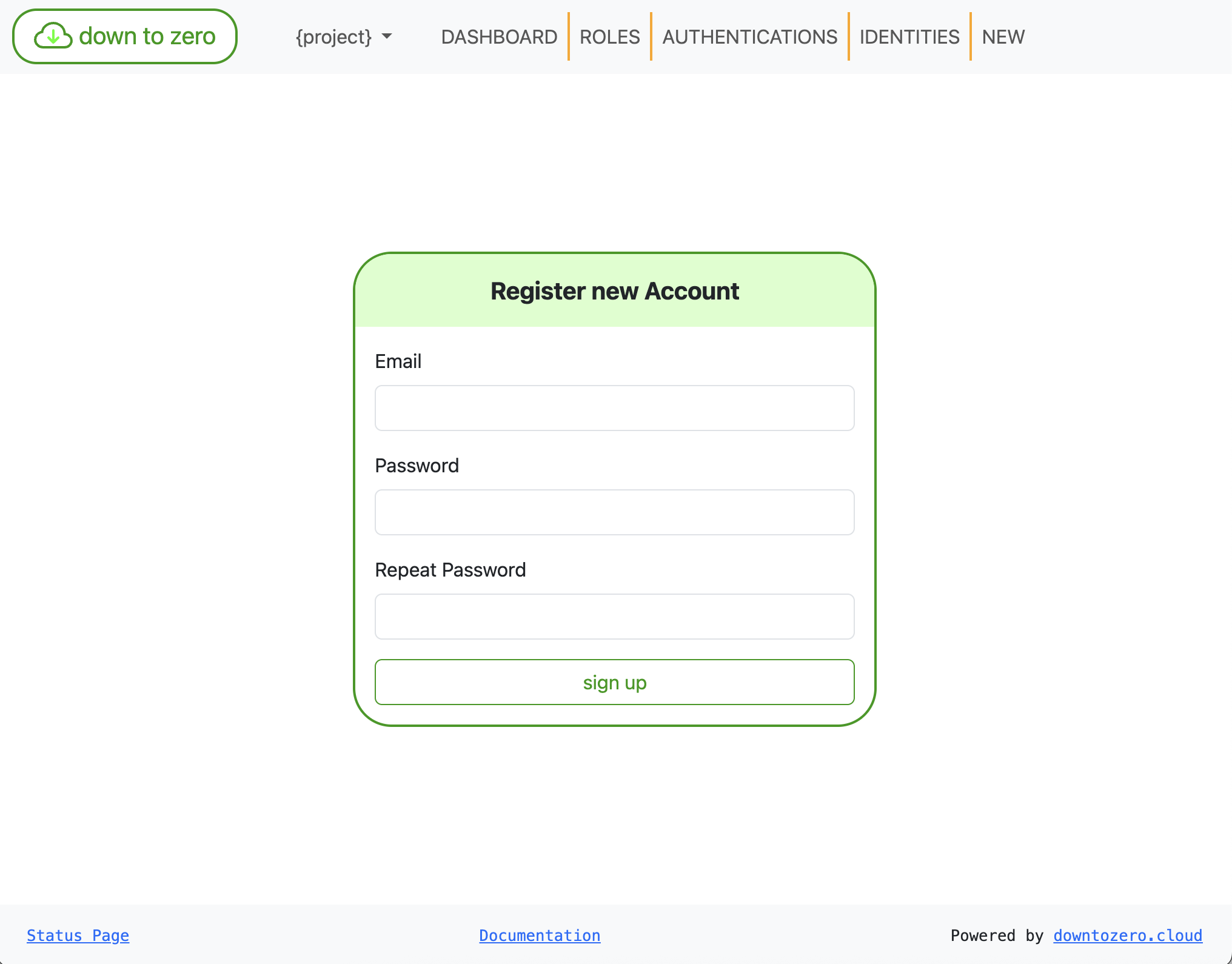
Ve a DownToZero Cloud Signup.
-
Introduce tu correo electrónico y contraseña
-
Haz clic en el botón
Registrarse -
Una vez registrado, puedes iniciar sesión a través de DownToZero Cloud Login.
For cURL, please sign up via the Web UI, then generate an API key for API access.
-
Ve a New API Key.
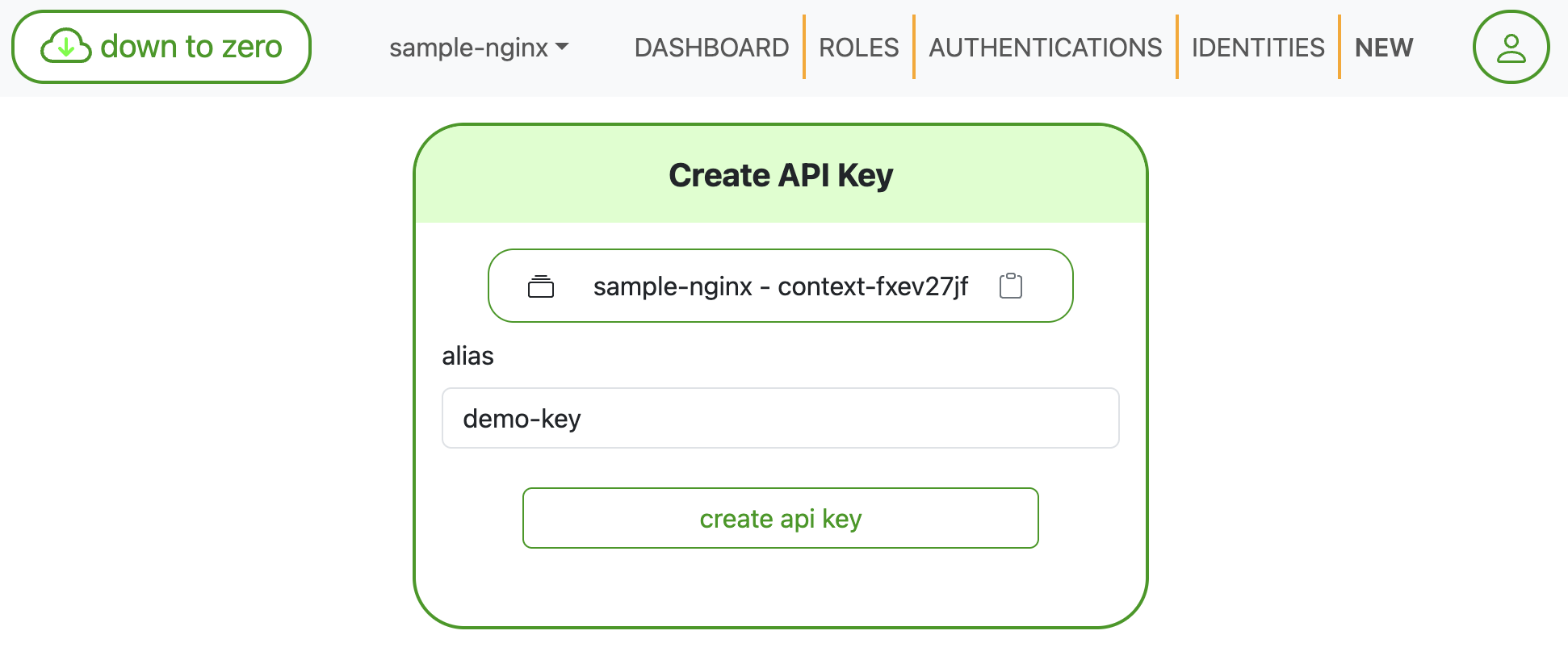
Haz clic en el botón
Create API key -
Exporta la clave API generada
export DTZ_API_KEY=apikey-sample1234
Step 2: Enable the Container Services
-
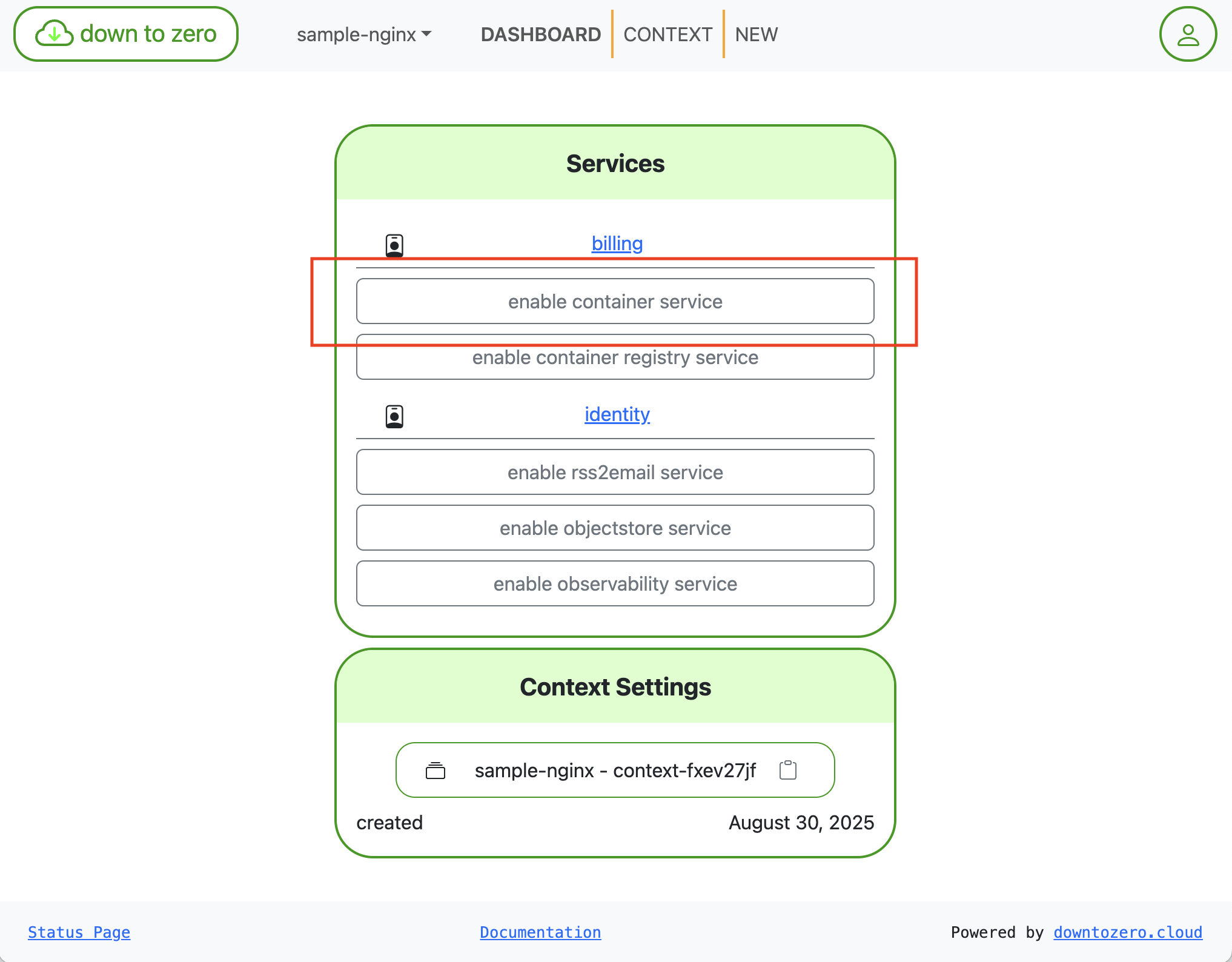
Habilita los Container Services
-
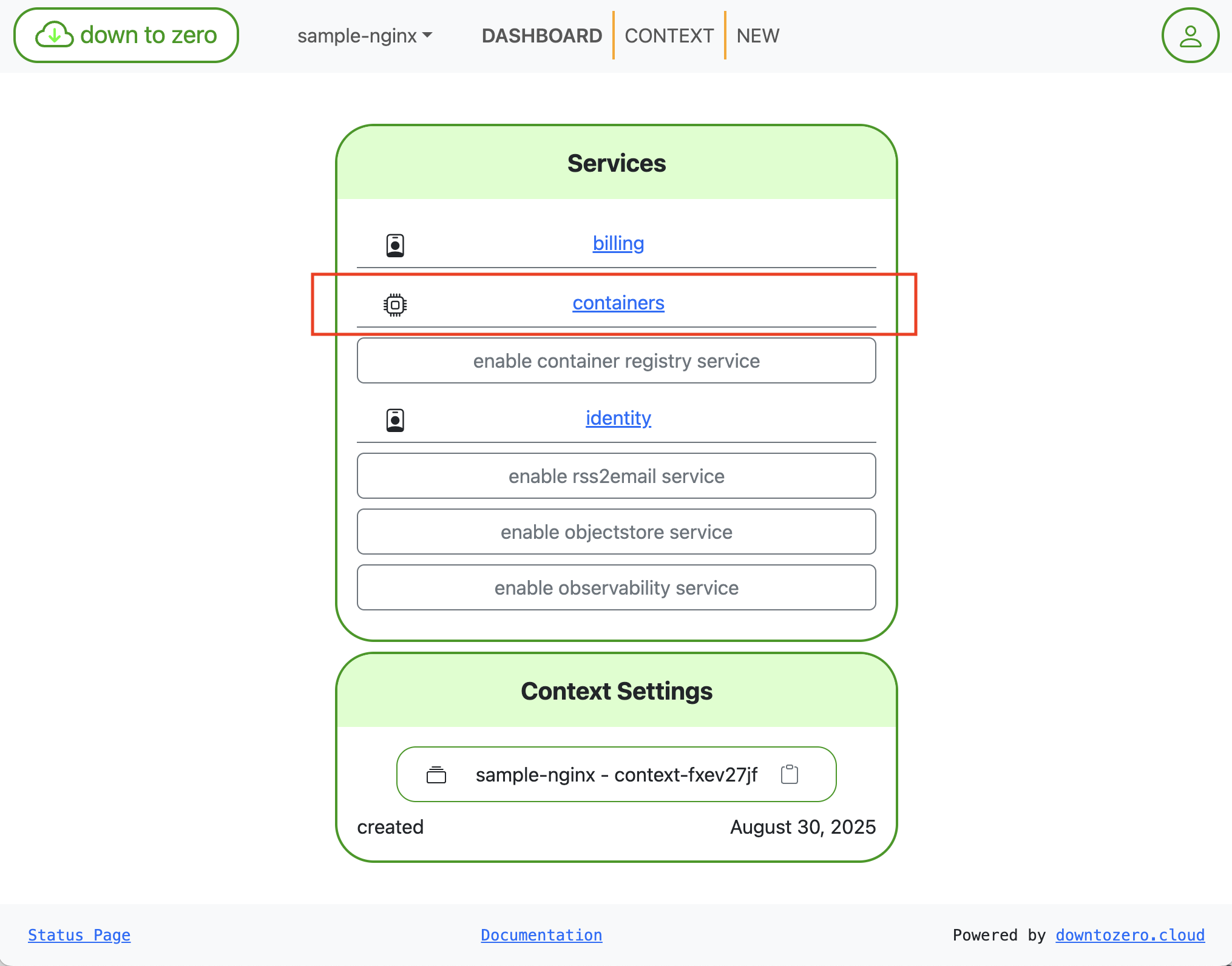
Abre los Container Services
-
Habilita Container Services
curl -X 'POST' -H "X-API-KEY: $DTZ_API_KEY" 'https://containers.dtz.rocks/api/2021-02-21/enable'
Step 3: Deploy NGINX as a service
-
Selecciona la sección Services
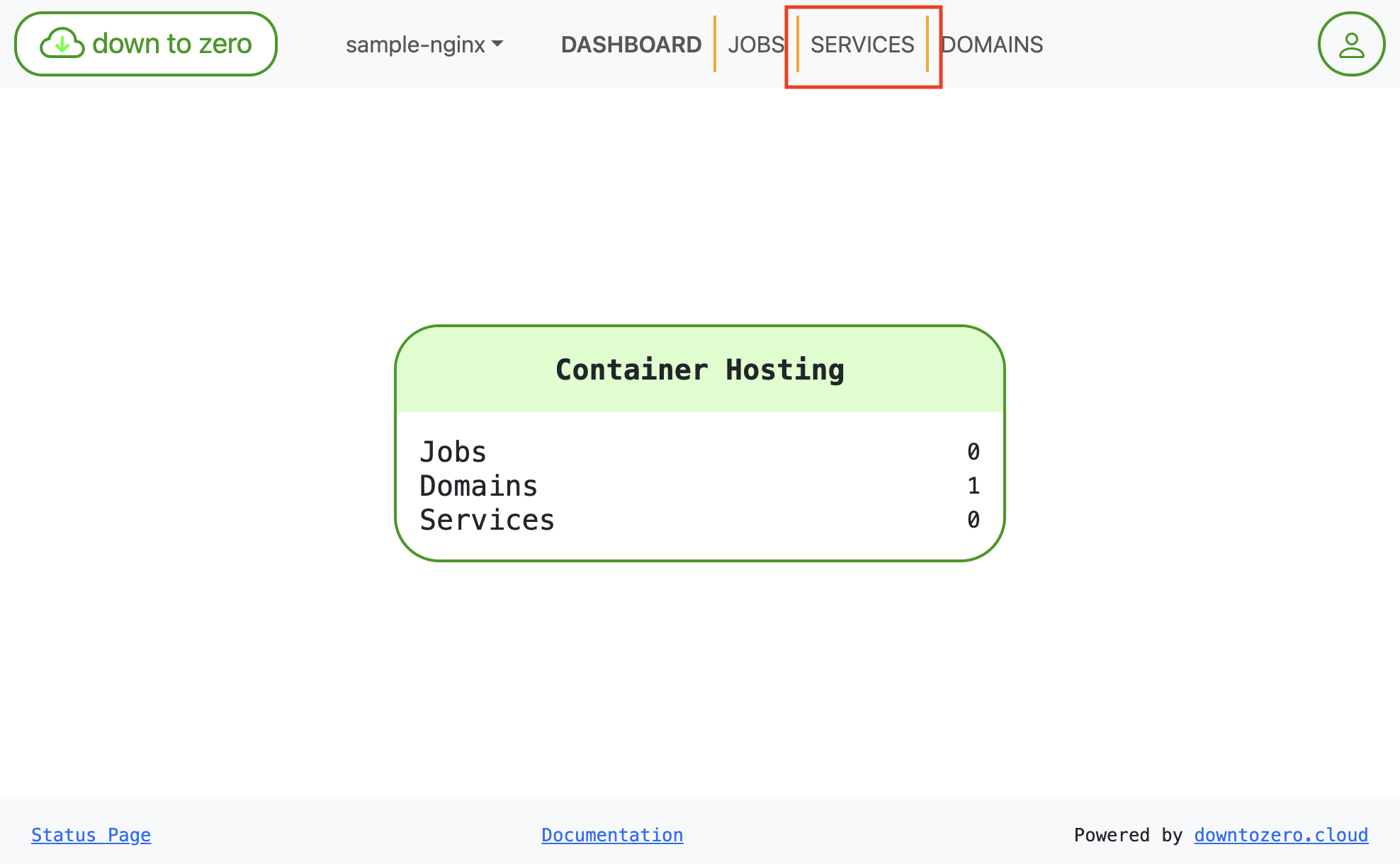
-
Haz clic en
Create Service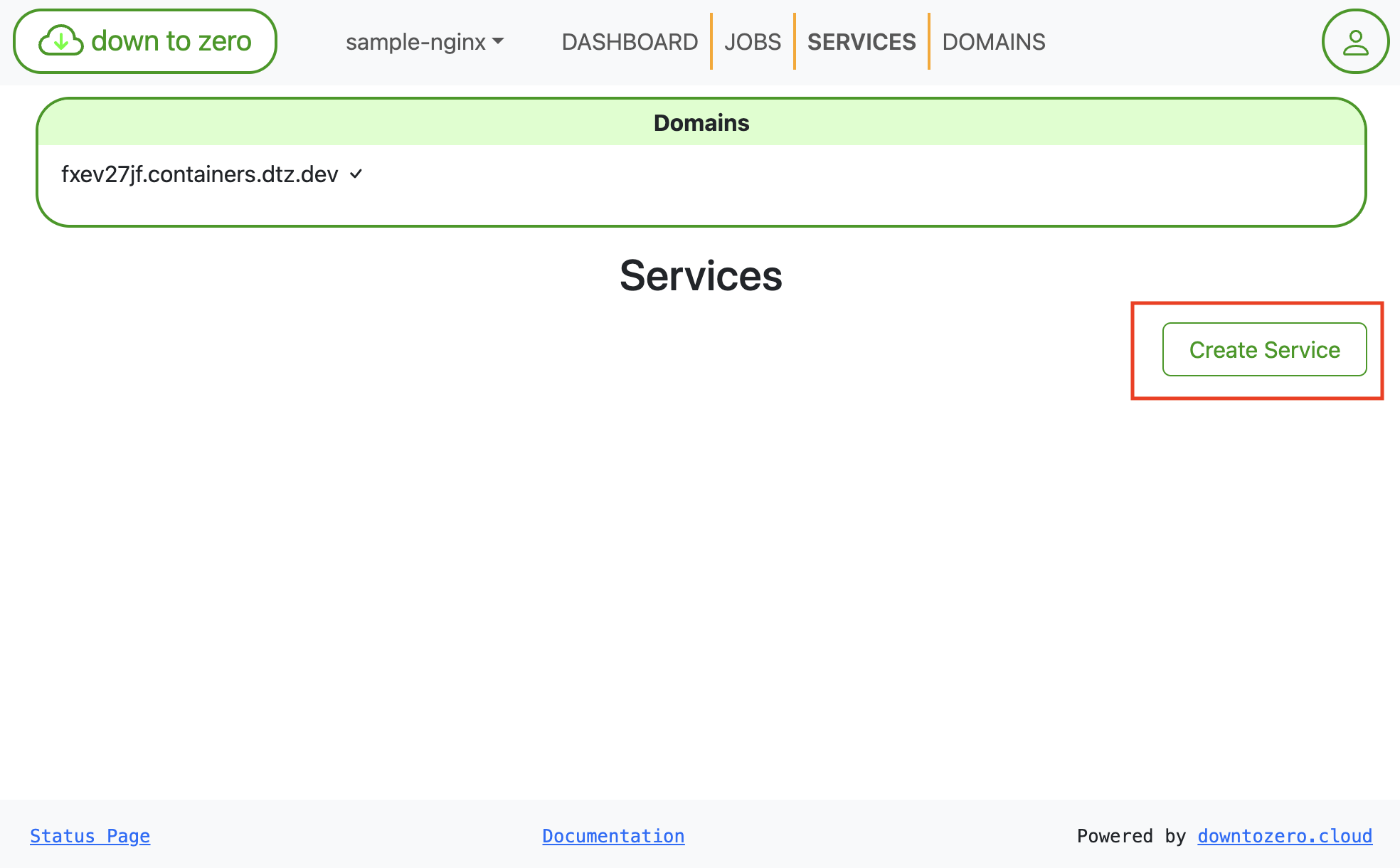
-
Introduce los detalles del servicio para NGINX
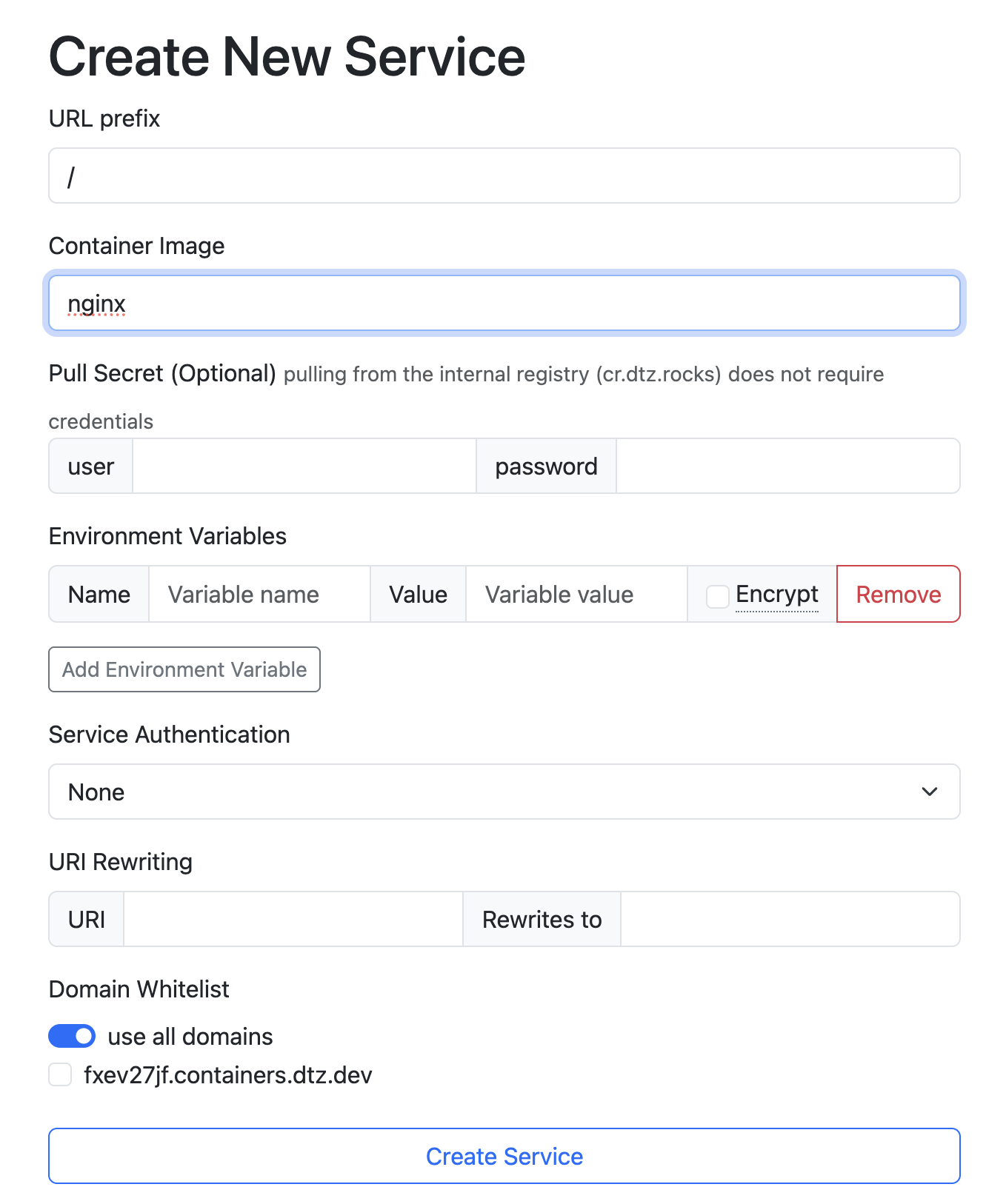
3.1. El prefijo debe establecerse en
/. 3.2. La imagen debe establecerse ennginx. 3.3. Haz clic enCreate Service. -
En la Vista General del Servicio, el nuevo servicio aparece con un enlace al servicio
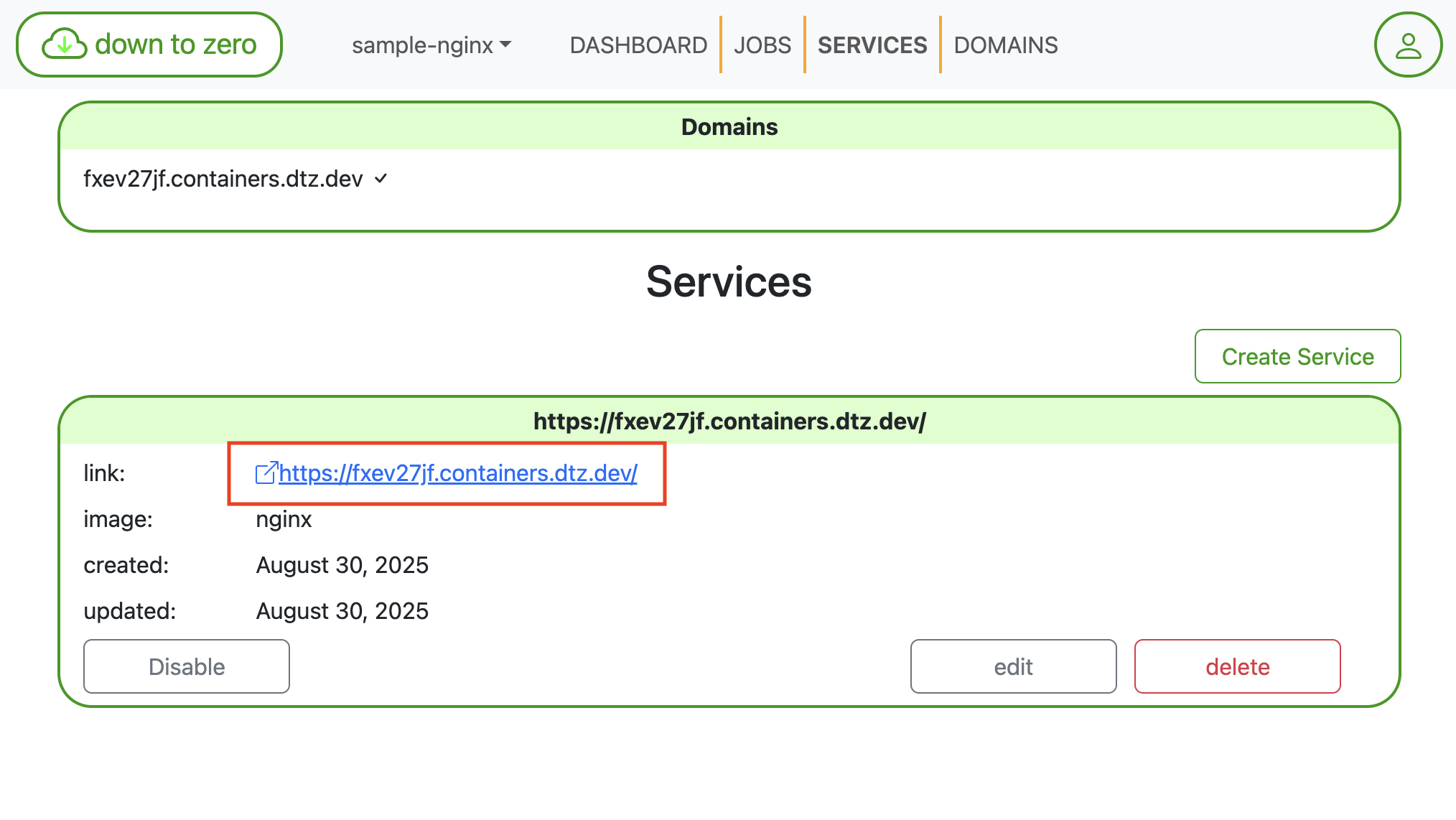
-
Crea el servicio
This returns the following JSON.curl -X 'POST' \ 'https://containers.dtz.rocks/api/2021-02-21/service' \ -H 'Content-Type: application/json' \ -H "X-API-KEY: $DTZ_API_KEY" \ -d '{"prefix": "/","containerImage": "nginx"}'{ "contextId": "context-fxev27jf", "enabled": true, "serviceId": "service-ibok4vnd", "created": "2025-08-30T09:29:09.739001675Z", "updated": "2025-08-30T09:29:09.739002547Z", "prefix": "/", "containerImage": "nginx" }
Step 4: Verify the deployment
-
En la Vista General del Servicio, haz clic en el enlace del servicio
-
Verifica el despliegue de NGINX
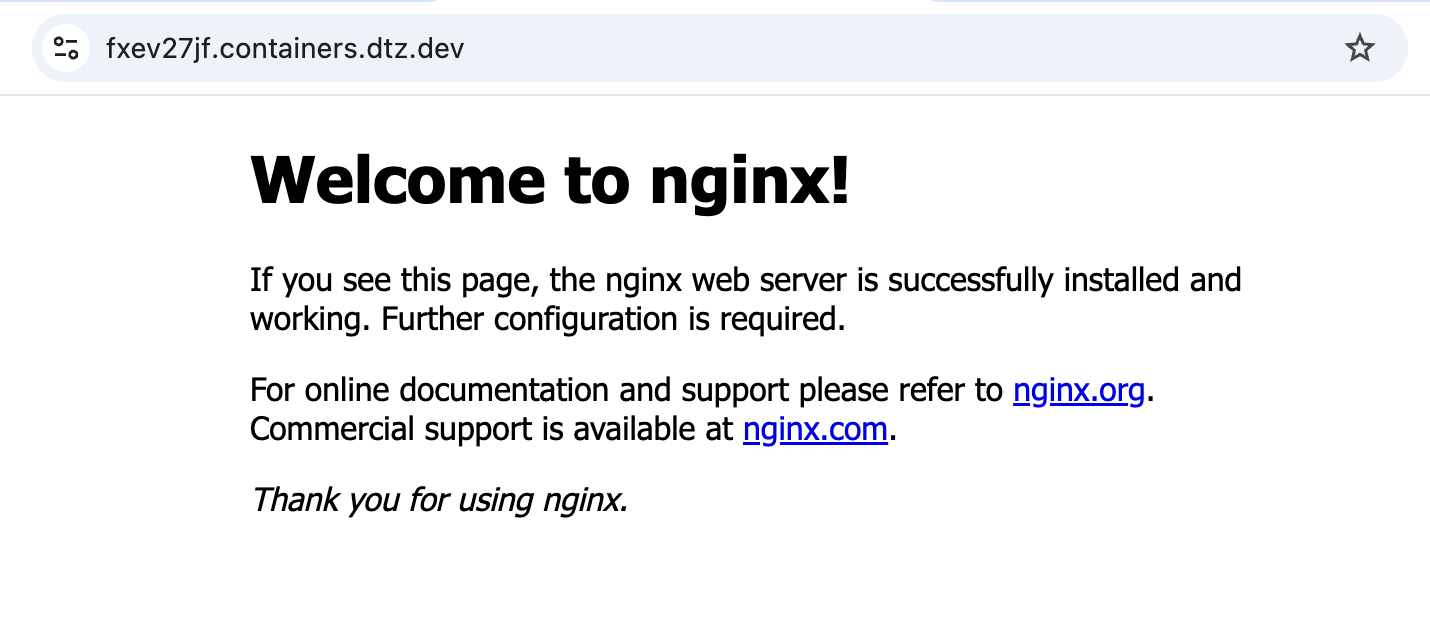
-
Obtén el dominio generado para tu contexto.
This returns the following JSON.curl -H "X-API-KEY: $DTZ_API_KEY" 'https://containers.dtz.rocks/api/2021-02-21/domain'[{ "contextId": "context-fxev27jf", "name": "fxev27jf.containers.dtz.dev", "verified": true, "created": "2025-08-30T08:45:26.656377567Z", "updated": "2025-08-30T08:45:26.656378477Z" }] -
Usa el valor
namecomo el dominio para verificar tu despliegue.curl "https://DOMAIN_NAME"
With this guide, you’re ready to start using DownToZero Cloud! Should you encounter any issues or have questions, please reach out to our support team at contact@downtozero.cloud.