rss2email : une interface plus calme et plus rapide
We’ve refreshed rss2email with a cleaner layout and tighter workflows. The service stays lightweight, but the things you do every day—add feeds, check freshness, tune emails—are now faster and easier.
Live demo: https://rss2email.dtz.rocks/
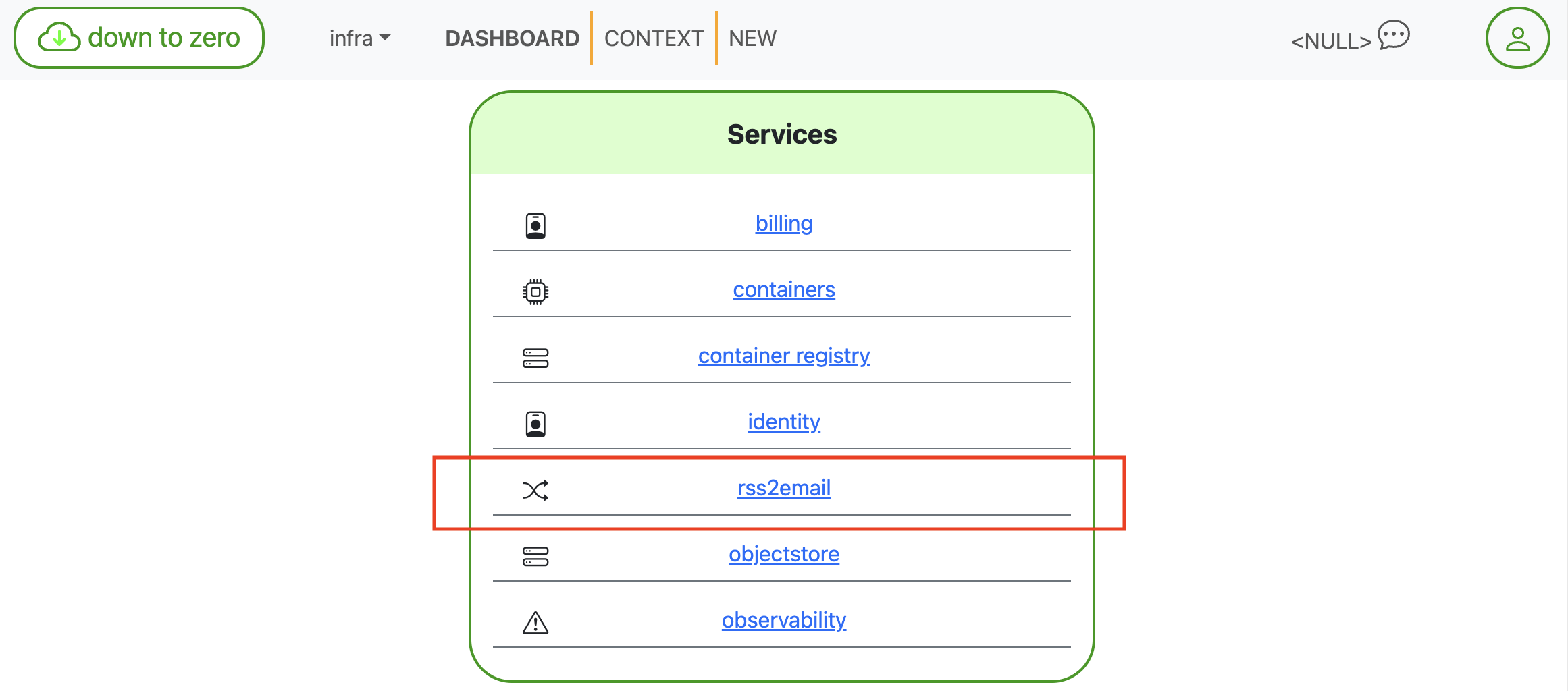
Le tableau de bord place rss2email à côté de vos autres services pour un accès rapide.
What’s new (and why it’s nicer)
Un aperçu en un coup d’œil
The FEEDS home shows counts for upcoming notifications (1 day, 1 week, 1 month) plus the total number of subscriptions. It’s the “how noisy will my inbox be?” sanity check.
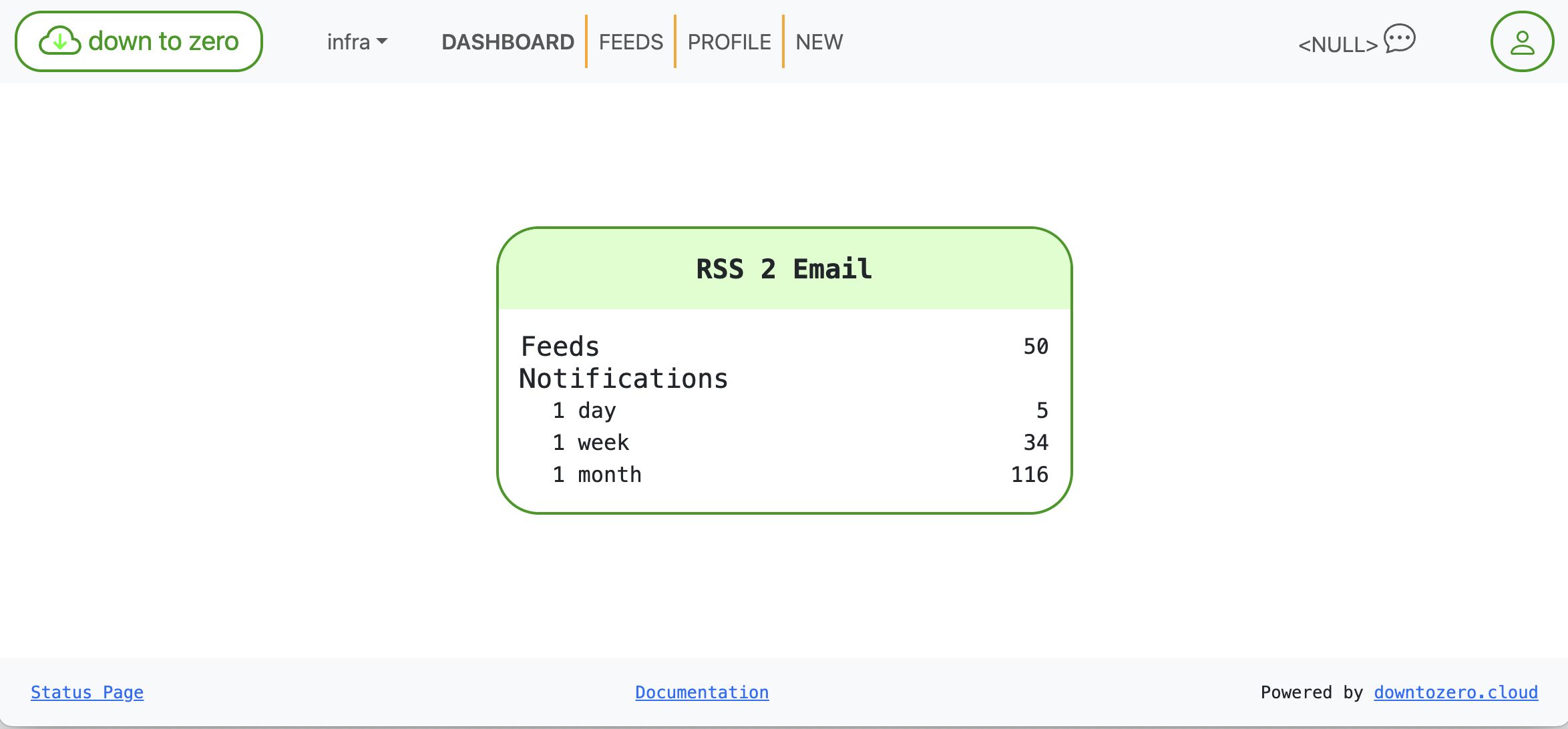
Statistiques visibles d’un coup d’œil pour les flux et les notifications à venir.
La santé des flux que vous n’avez pas à interpréter
Each subscription card highlights three facts:
- URL — the canonical feed address
- Last check — when we last polled the feed
- Last data — when the feed last produced an item
We also added color-coded health: vert = récent, ambre = lent/peu actif, rouge = obsolète. That saves you from opening a feed just to learn it hasn’t published in ages.

Sain : données récentes en vert.

Périmé : rien de nouveau depuis longtemps, signalé en rouge.
Controls for Disable and Delete stay within reach but out of your way, so cleanup is quick without being scary.
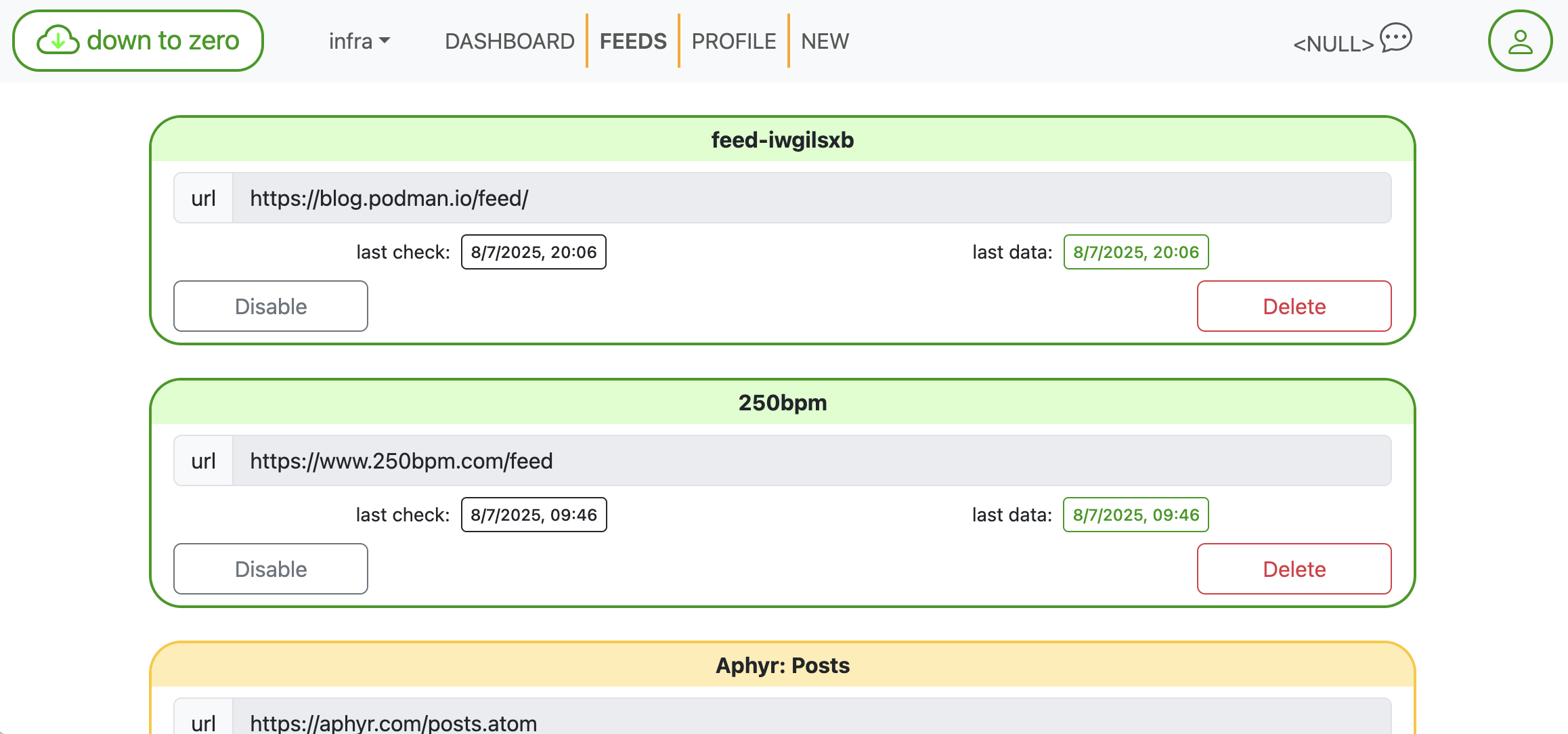
Des cartes compactes facilitent le balayage et l’entretien.
Ajouter des flux sans chercher le XML
Paste any homepage—we’ll discover the feed link for you—or drop in a direct RSS/Atom URL. One click creates the subscription. It’s built for speed when you’re in “add five sources” mode.
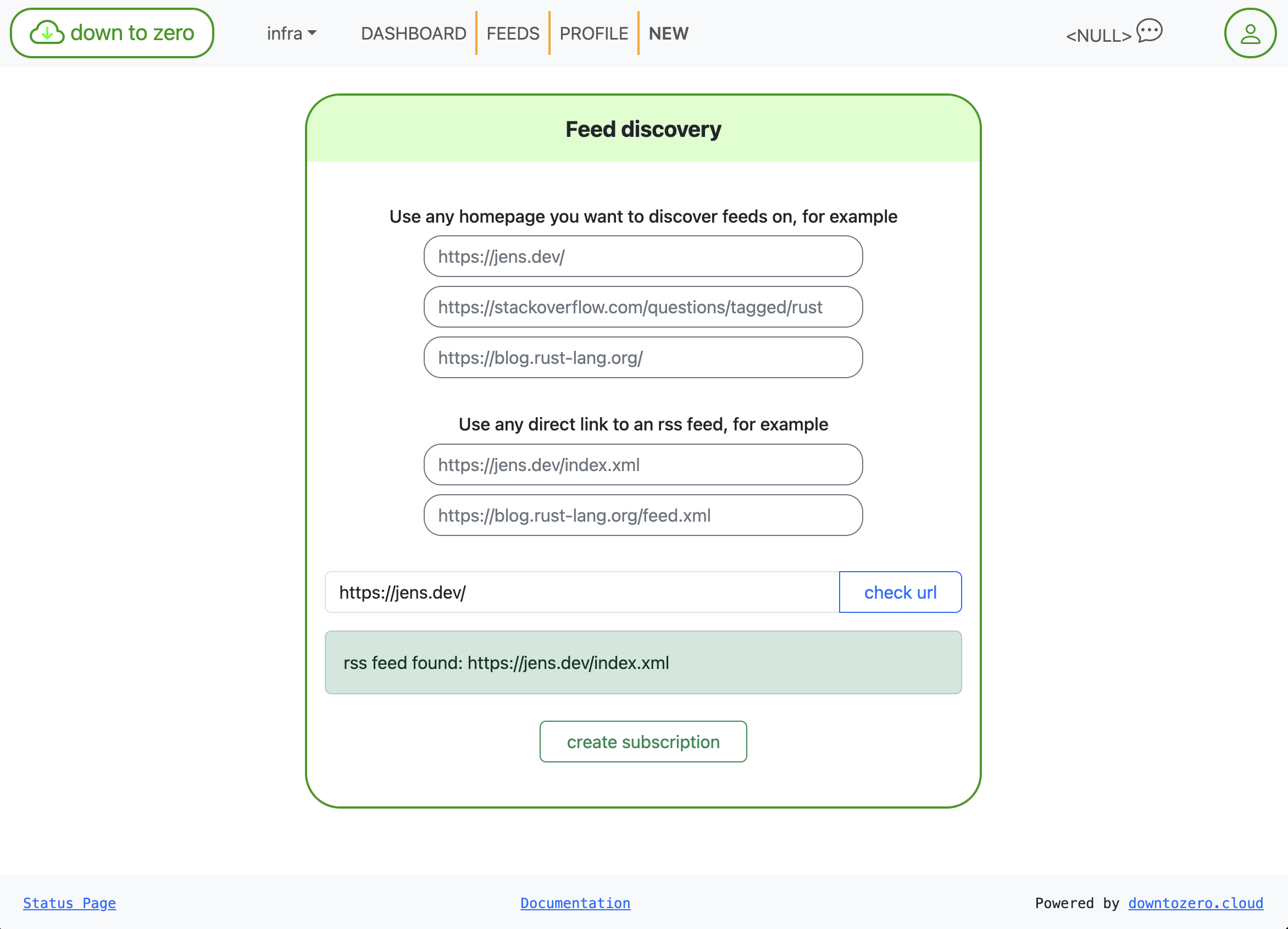
Découverte de flux : collez une page d’accueil, laissez-nous trouver le flux.
Des e-mails que vous pouvez réellement lire
Notification emails are rendered via Mustache templates. You can edit the subject and body right in the UI with documented variables, so messages fit your team’s tone (or your own inbox rules).
- Variables disponibles :
{{title}},{{link}},{{description}},{{content}},{{date}}
Example:
Objet: {{title}}
Corps:
{{link}}
{{& description}}
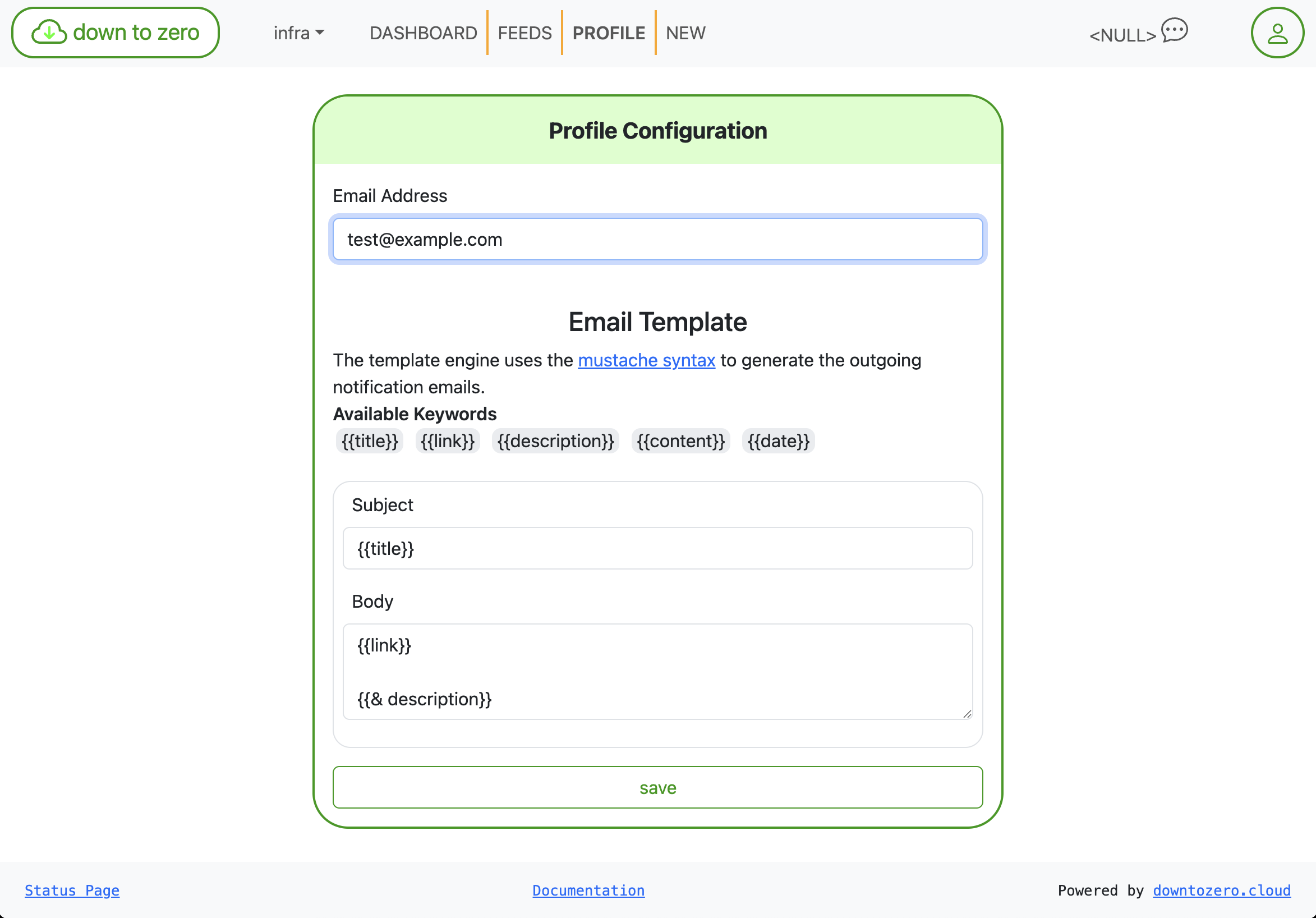
Ajustez l’objet/le corps avec Mustache—pas de redéploiement nécessaire.
Small touches that add up
- Horodatages explicites avec un formatage cohérent
- Cartes aux coins arrondis, cibles tactiles plus larges et un espacement plus raisonnable
- Statut plus clair en bas : Status Page and Documentation links are always visible
This isn’t a features dump; it’s a quality pass that makes rss2email feel snappier and more trustworthy day to day. If you’re already using down to zero, your feeds are there—just easier to manage. Tell us what else you’d like to see next.