rss2email: eine ruhigere, schnellere Benutzeroberfläche
We’ve refreshed rss2email with a cleaner layout and tighter workflows. The service stays lightweight, but the things you do every day—add feeds, check freshness, tune emails—are now faster and easier.
Live-Demo: https://rss2email.dtz.rocks/
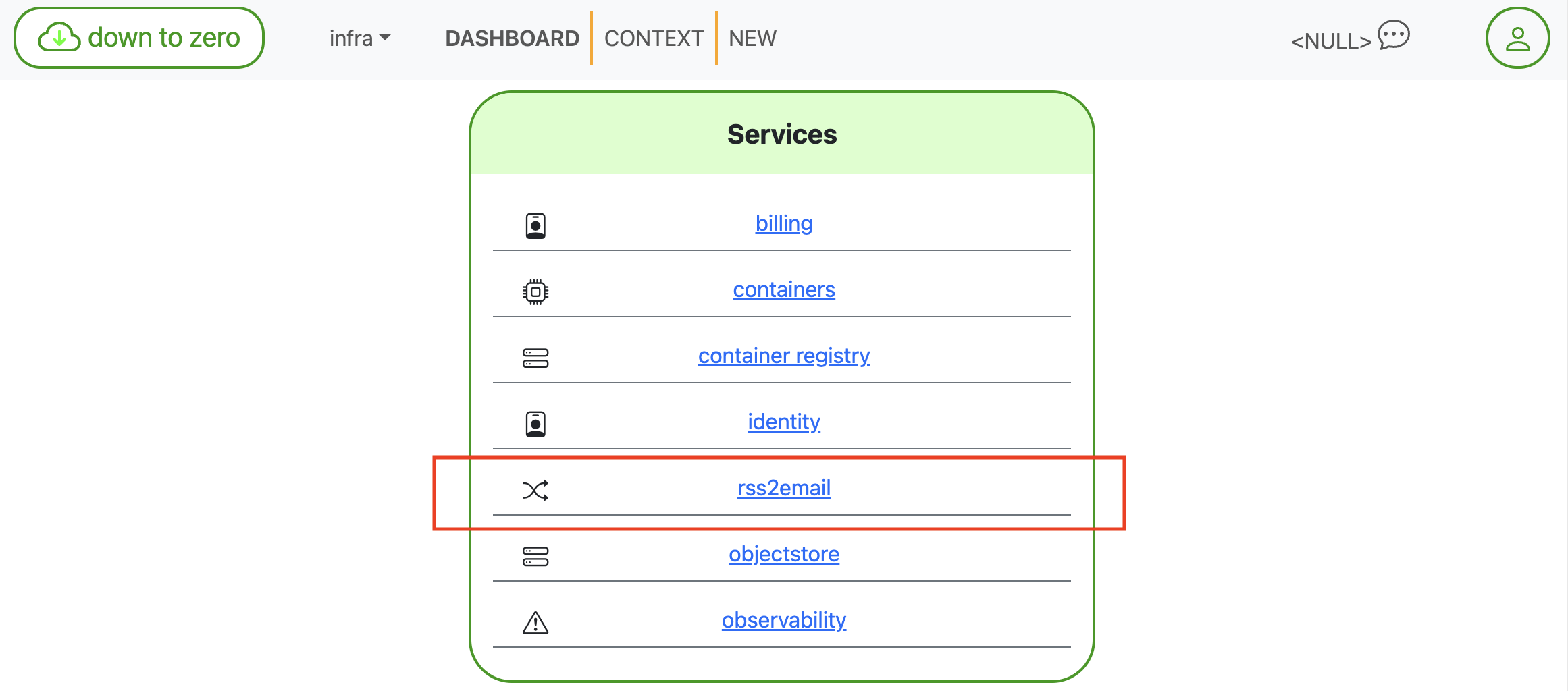
Das Dashboard platziert rss2email neben Ihren anderen Diensten für schnellen Zugriff.
Was neu ist (und warum es angenehmer ist)
Auf einen Blick
The FEEDS home shows counts for upcoming notifications (1 day, 1 week, 1 month) plus the total number of subscriptions. It’s the “how noisy will my inbox be?” sanity check.
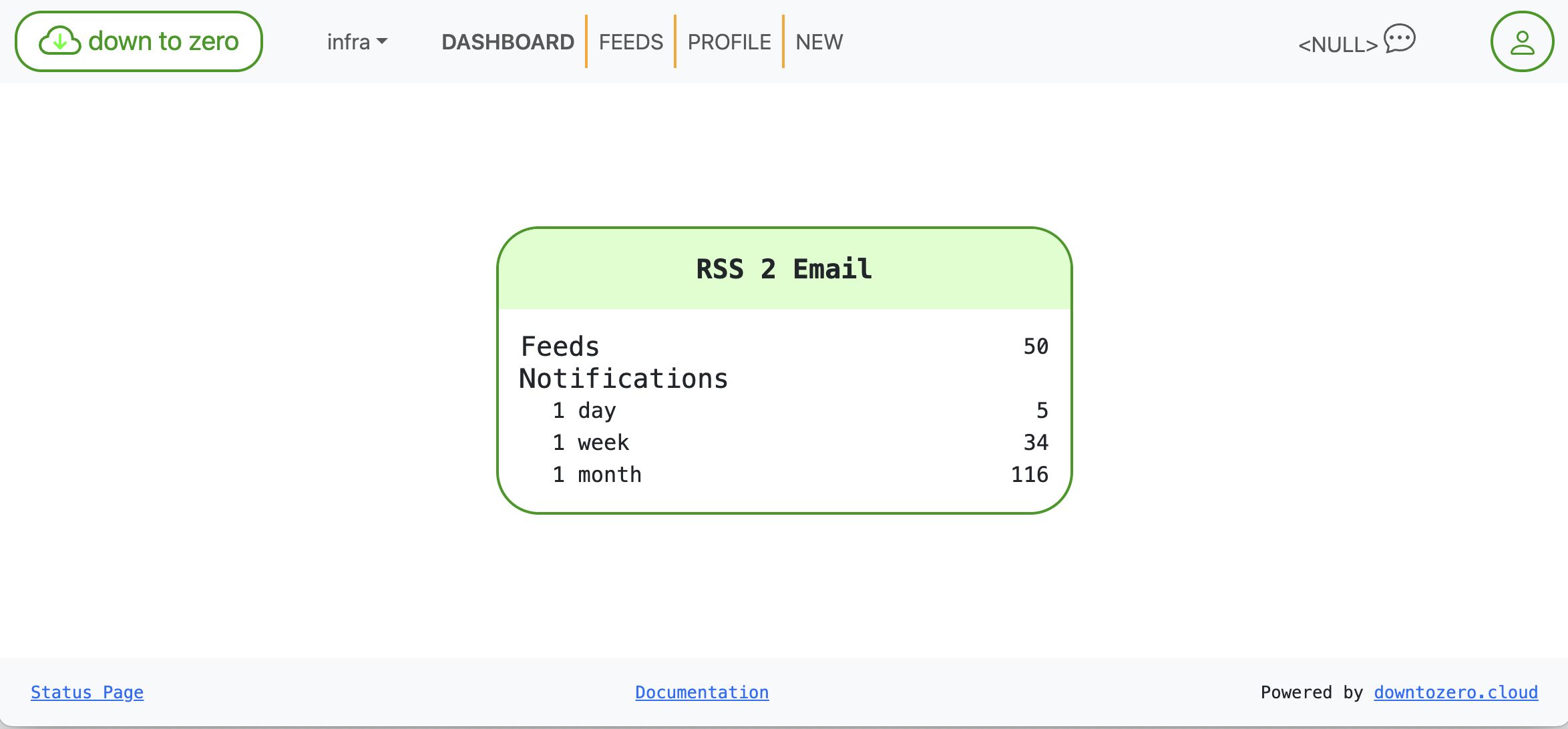
Auf einen Blick: Statistiken zu Feeds und bevorstehenden Benachrichtigungen.
Feed‑Gesundheit, die keiner Interpretation bedarf
Each subscription card highlights three facts:
- URL — the canonical feed address
- Last check — when we last polled the feed
- Last data — when the feed last produced an item
We also added color-coded health: green = fresh, amber = slow/quiet, red = stale. That saves you from opening a feed just to learn it hasn’t published in ages.

Gesund: aktuelle Daten in Grün.

Veraltet: lange keine Neuigkeiten, rot markiert.
Controls for Disable and Delete stay within reach but out of your way, so cleanup is quick without being scary.
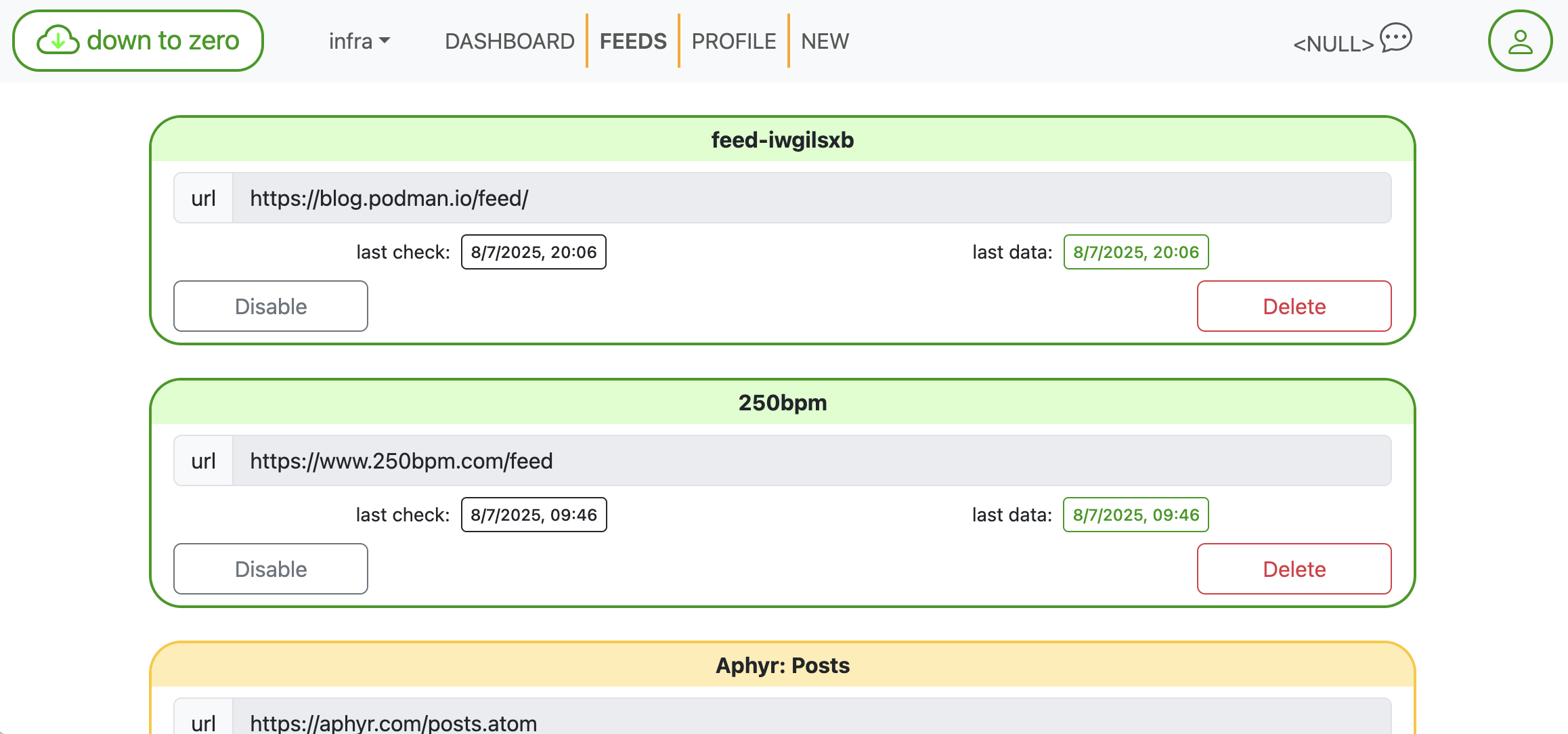
Kompakte Karten machen das Durchsehen und Aufräumen schnell.
Feeds hinzufügen, ohne nach XML zu suchen
Paste any homepage—we’ll discover the feed link for you—or drop in a direct RSS/Atom URL. One click creates the subscription. It’s built for speed when you’re in “fünf Quellen hinzufügen” mode.
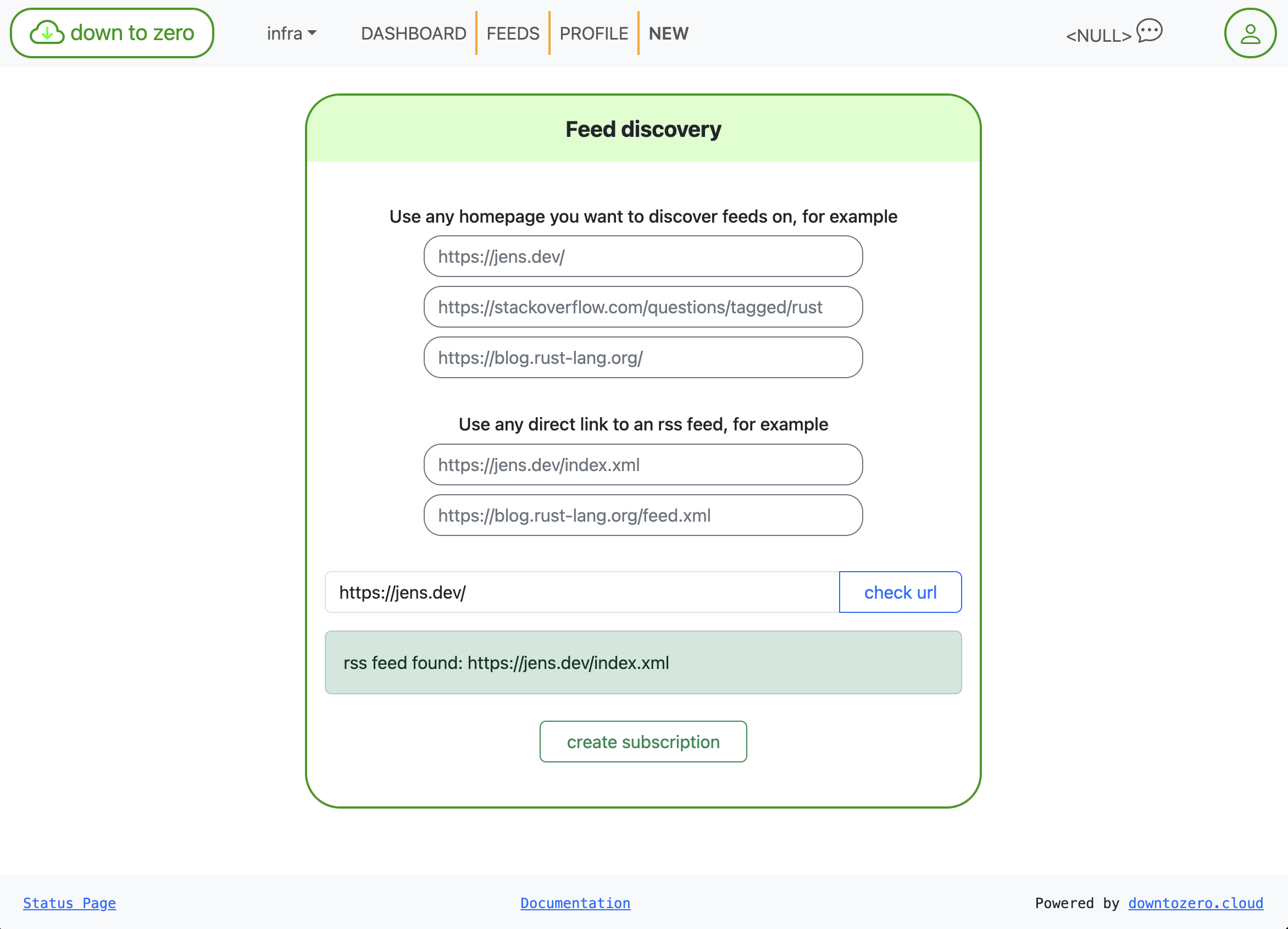
Feed-Erkennung: Startseite einfügen, wir finden den Feed.
E‑Mails, die man tatsächlich lesen kann
Notification emails are rendered via Mustache templates. You can edit the subject and body right in the UI with documented variables, so messages fit your team’s tone (or your own inbox rules).
- Available variables:
{{title}},{{link}},{{description}},{{content}},{{date}}
Beispiel:
Subject: {{title}}
Body:
{{link}}
{{& description}}
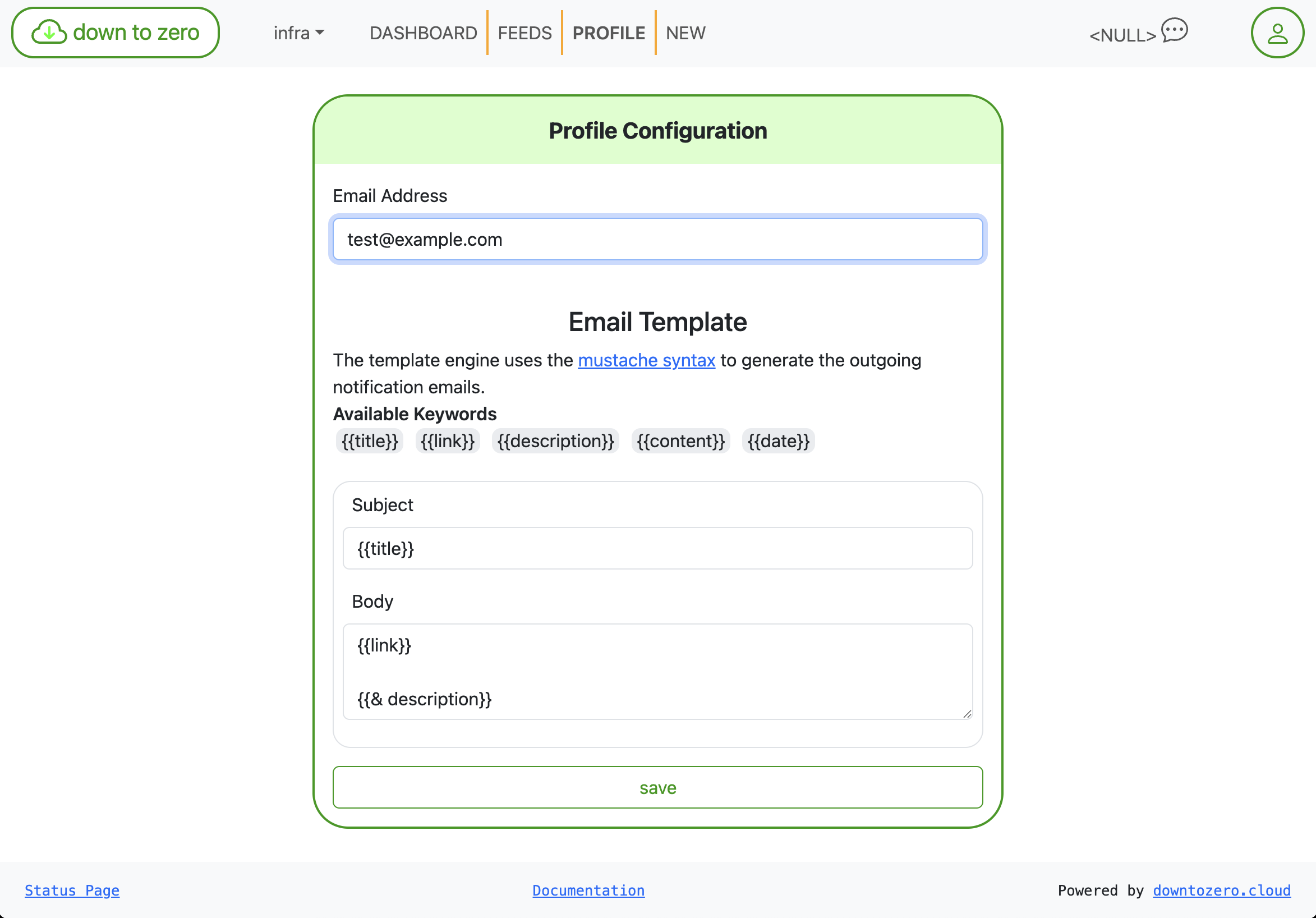
Betreff/Inhalt mit Mustache anpassen — kein Redeploy erforderlich.
Kleine Details, die sich summieren
- Explizite Zeitstempel mit einheitlicher Formatierung
- Abgerundete Karten, größere Touch‑Ziele und vernünftigere Abstände
- Klarerer Status unten: Statusseite und Dokumentation-Links sind immer sichtbar
This isn’t a features dump; it’s a quality pass that makes rss2email feel snappier and more trustworthy day to day. If you’re already using down to zero, your feeds are there—just easier to manage. Tell us what else you’d like to see next.